Open a battlefield
When
Reports from one event are in Tactica. You have not started analysis, or you want to reset to the whole event.
Focus
The battlefield itself. That is step 1.
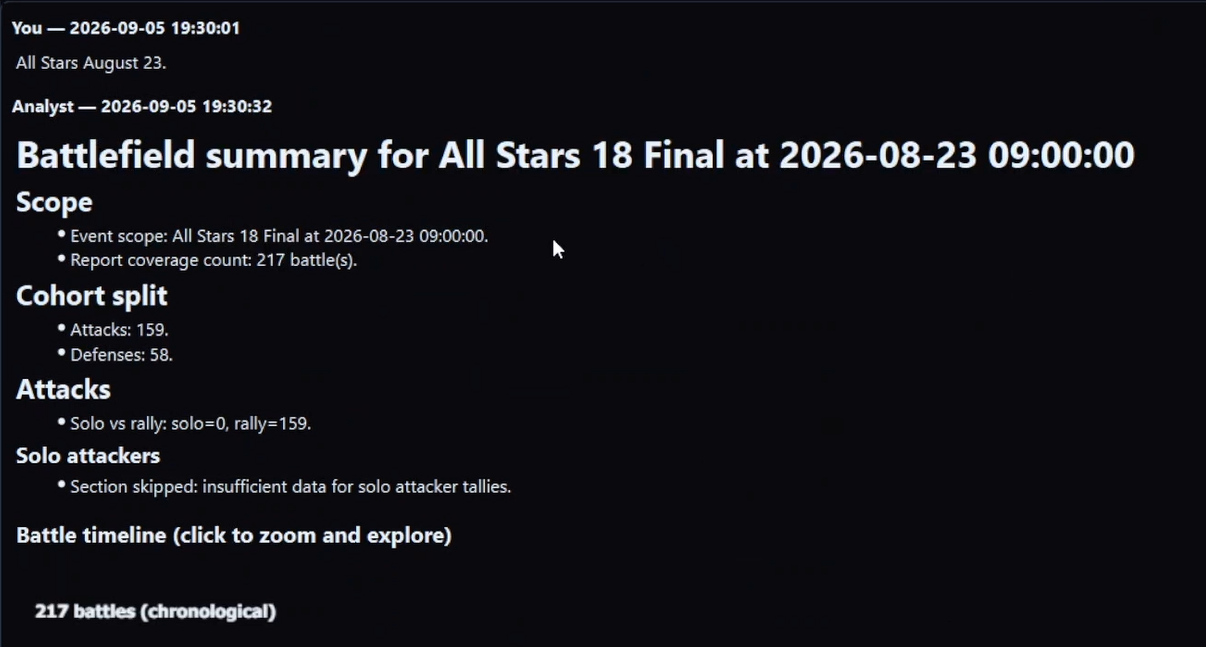
What the first summary is for
A map: which enemy keep you kept hitting, who on your side got hit repeatedly, where the team’s weight sat, what is under-sampled. It should make you want a subset. It should not feel like you now owe the Analyst a menu pick.
Questions that are still step 1
- “Look at last night’s BOC.”
- “This battlefield — what’s here?”
- “Summarize the event we just imported.”
What to do immediately after
Name a subset the summary made obvious. Do not stay on the whole pile and ask a precise troop-band question unless you truly want an event-wide blend that hides the cut.
Common miss
Treating the first summary as the analysis, or asking “run the hit-sequence report” without saying which keep. The summary is supposed to name the keep. Then you look at that.
Need the battlefield in Tactica first?
Read and Bulk Read work with any ADB-compatible emulator. Fast Read is the faster MuMu path for reports you favorited in Evony.
New customers can start with a 7-day trial. Plans start at $14.99/month with full feature access.