Tactica for Windows
The Windows app: whole-battlefield Evony report import, analytics, and Battlefield Analyst — plus self-run import on your own emulator
You do not need the Windows app to use Tactica. Tactica runs in any modern browser on a computer, tablet, or phone, with the same account and library. The Windows app is for players who prefer a desktop app, or who want to run Fast Read on MuMu or Read / Bulk Read on their own emulator. Start your trial in the browser · Log in
Cloud Fast Read finishes inside your bot’s 10-minute kick timer — no emulator required. Favorite your battlefield reports as you go — many players do it while the battlefield is still running — then start Cloud Fast Read in Tactica, in the browser or the Windows app. Your Evony account gets its own private cloud device in Tactica’s systems, and the read is done before your bot logs back in.
Whichever question brought you here — which hits on that keep mattered, who actually traded well, when the marches went depleted — the next step is asking it about a battlefield you already fought.
Tactica for Windows v1.1.38
New customers can start with a 7-day trial
Basic: $14.99/month after trial
Full feature access. Cancel anytime. All plans
On a phone, tablet, Mac, or Chromebook? You do not need the Windows app: Tactica runs in your browser with the same account. Already have an account? Log in.
Windows 10/11 • Version 1.1.38
You can start reading reports into Tactica within minutes of starting your trial. Your first Cloud Fast Read sets up your account in Tactica’s cloud, which can take 5–10 minutes, often less — only the first time.
After that, a full battlefield Cloud Fast Read finishes in under 10 minutes. Your bot loses no more time than when you check your account from your phone. Then investigate with Battlefield Analyst. See a real-time Fast Read.
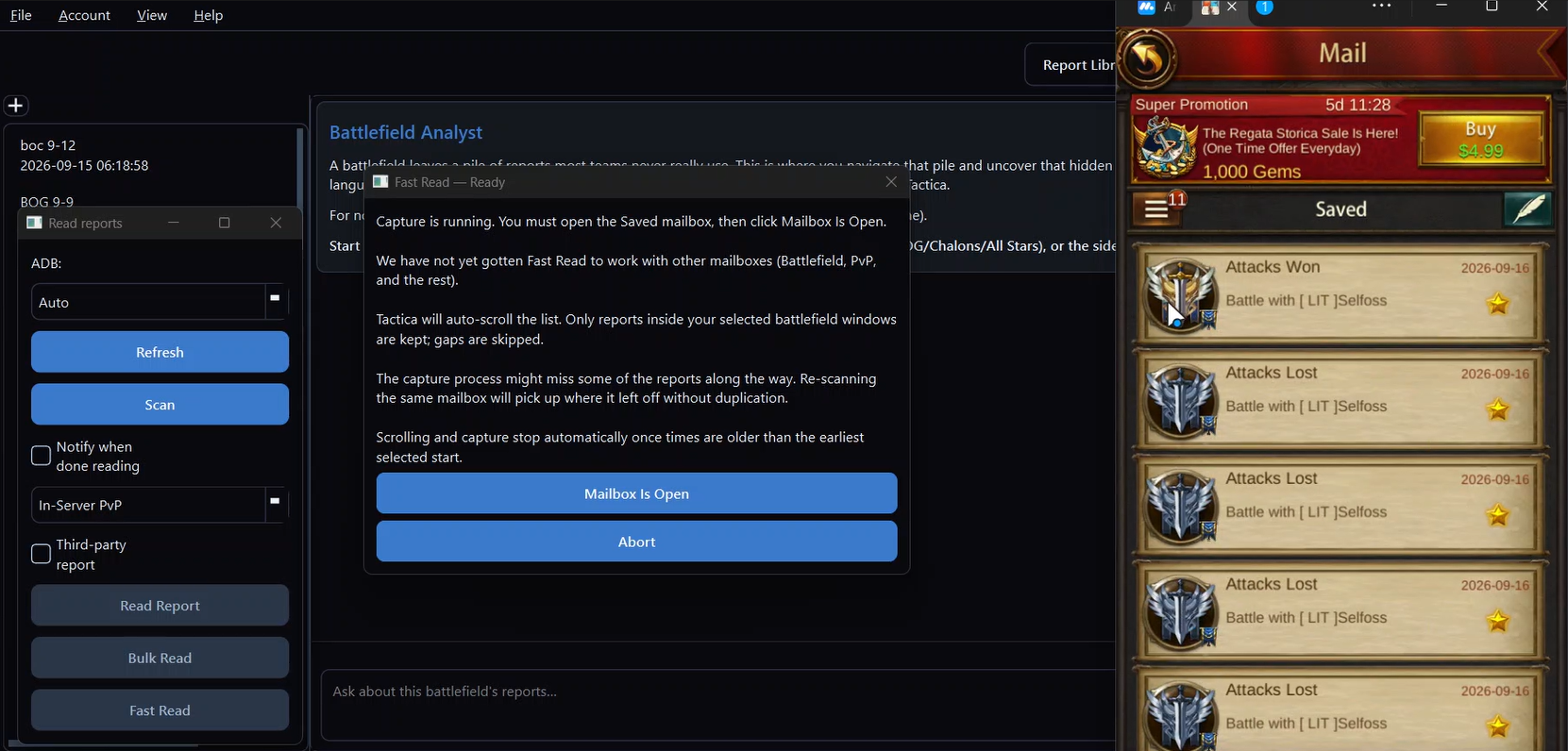
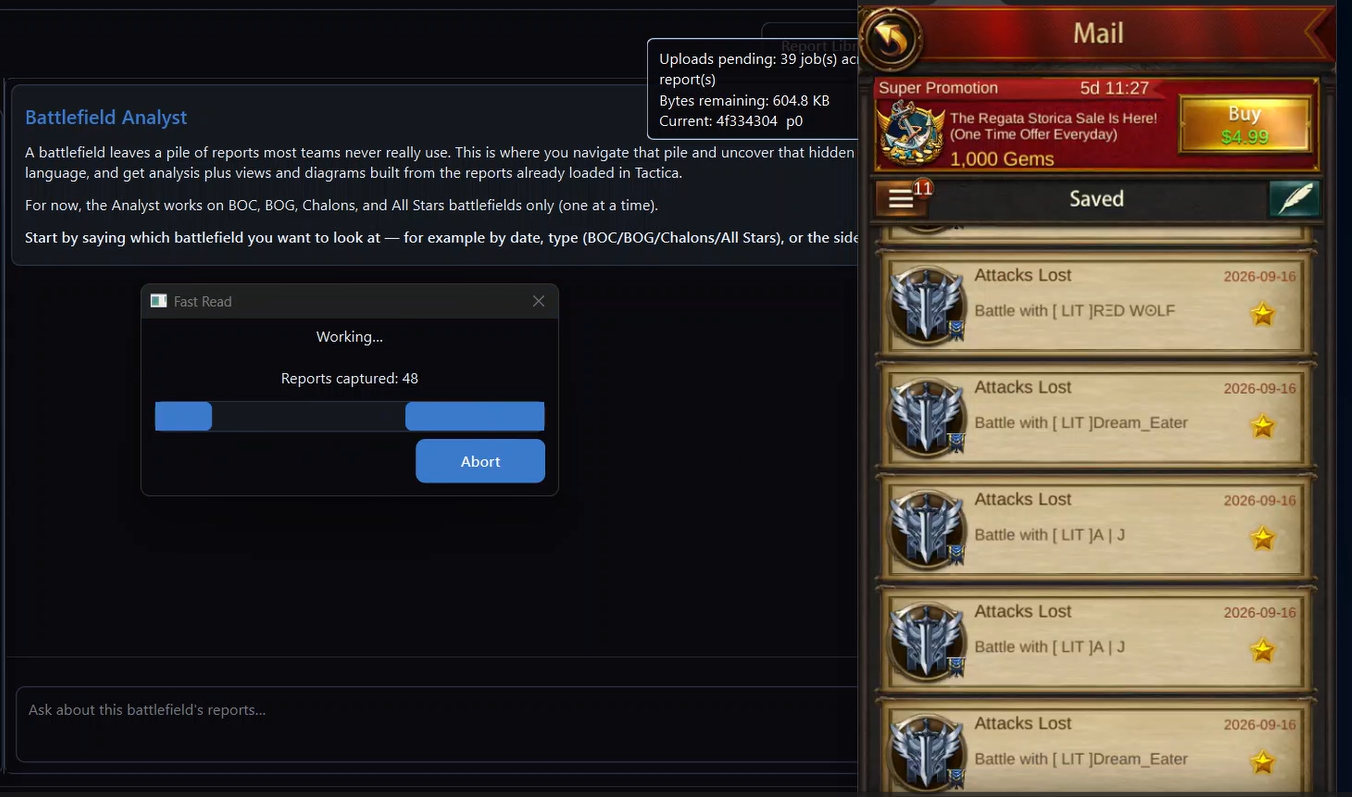
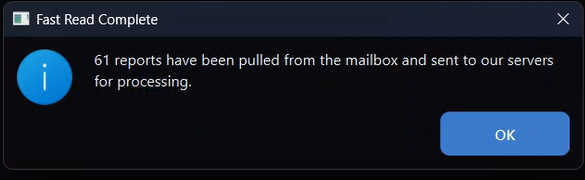
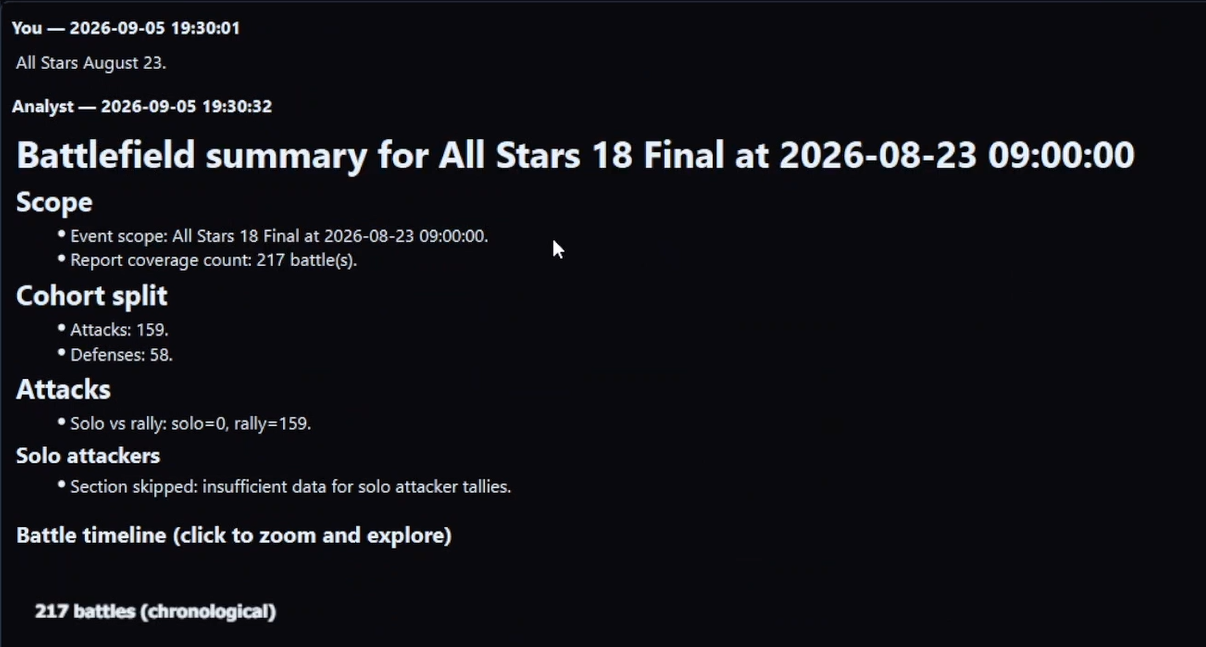
Want to see what one of these questions found?
Six of them are worked out on battlefields that were actually imported — which hits on a keep mattered, who traded well, who was in the city when it held. Read one, then come back when you are ready. The Download button above is the Windows installer; after you install, you create an account (or sign in with the one you have), choose a plan, and start the trial. You can also skip the install and start in your browser.
See how Fast Read works · How to analyze a battlefield of reports · Why one report is not enough · FAQ
Plans
One subscription covers the web app and the Windows app. Basic is the full Tactica product; higher plans add AI capacity, and alliance view-only and Rally Squad seats are also available. See all plans and pricing.
Windows App System Requirements
Using the web app instead? All you need is a modern browser on a computer, tablet, or phone.
What's included
Automated import
Favorite the reports you want and Cloud Fast Read imports hundreds of full reports in minutes without opening each one — no emulator needed. If you prefer to run it yourself, the Windows app also offers Fast Read on MuMu and Read / Bulk Read on any ADB-compatible emulator.
Analytics & alliance library
Sort, visualize, share, and keep reports indefinitely. Connected alliance members can split scanning; simultaneous bulk reads skip duplicates.
Battlefield Analyst
Ask in plain language over one loaded battlefield — it starts with a summary, then custom analysis. Answers and enriched views in minutes. How it works · FAQ · Battlefield Analyst cookbook
Getting Started
Download & Install
Download the installer and run it to install Tactica on your computer
Create Account or Sign In
Sign up with your email and verify your account — or sign in with the account you already use in the web app
Start Your Trial
After you verify your email, choose a plan and add a payment method. New customers get a 7-day trial with full feature access. Unless you cancel, the subscription continues when the trial ends.