Download Tactica
Whole-battlefield Evony report import, analytics, and Battlefield Analyst for Windows
Tactica v1.1.16
New customers can start with a 7-day trial
Basic: $14.99/month after trial
Full feature access. Cancel anytime.
Windows 10/11 • Version 1.1.16
You can start reading reports into Tactica within minutes of starting your trial—often sooner if your emulator is already configured.
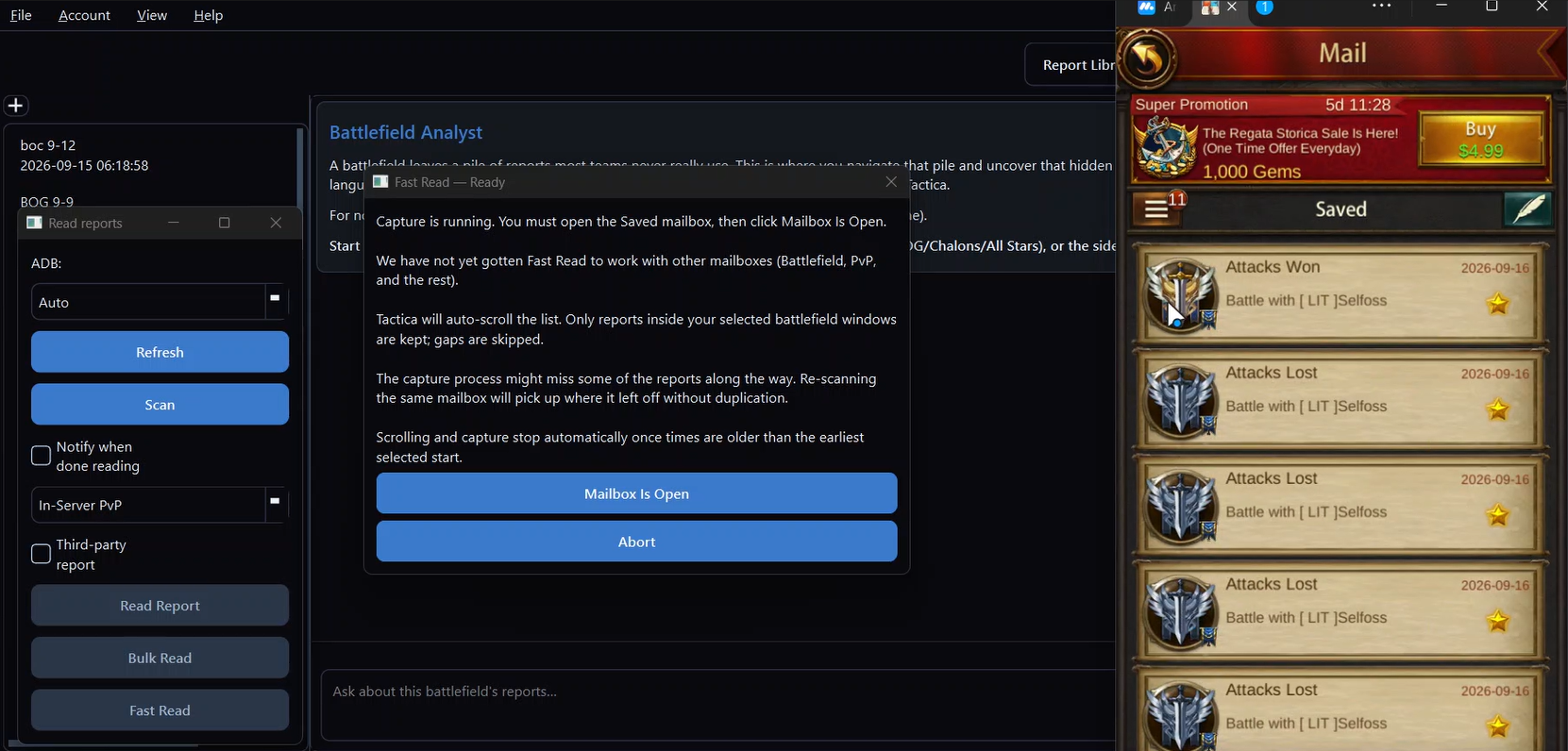
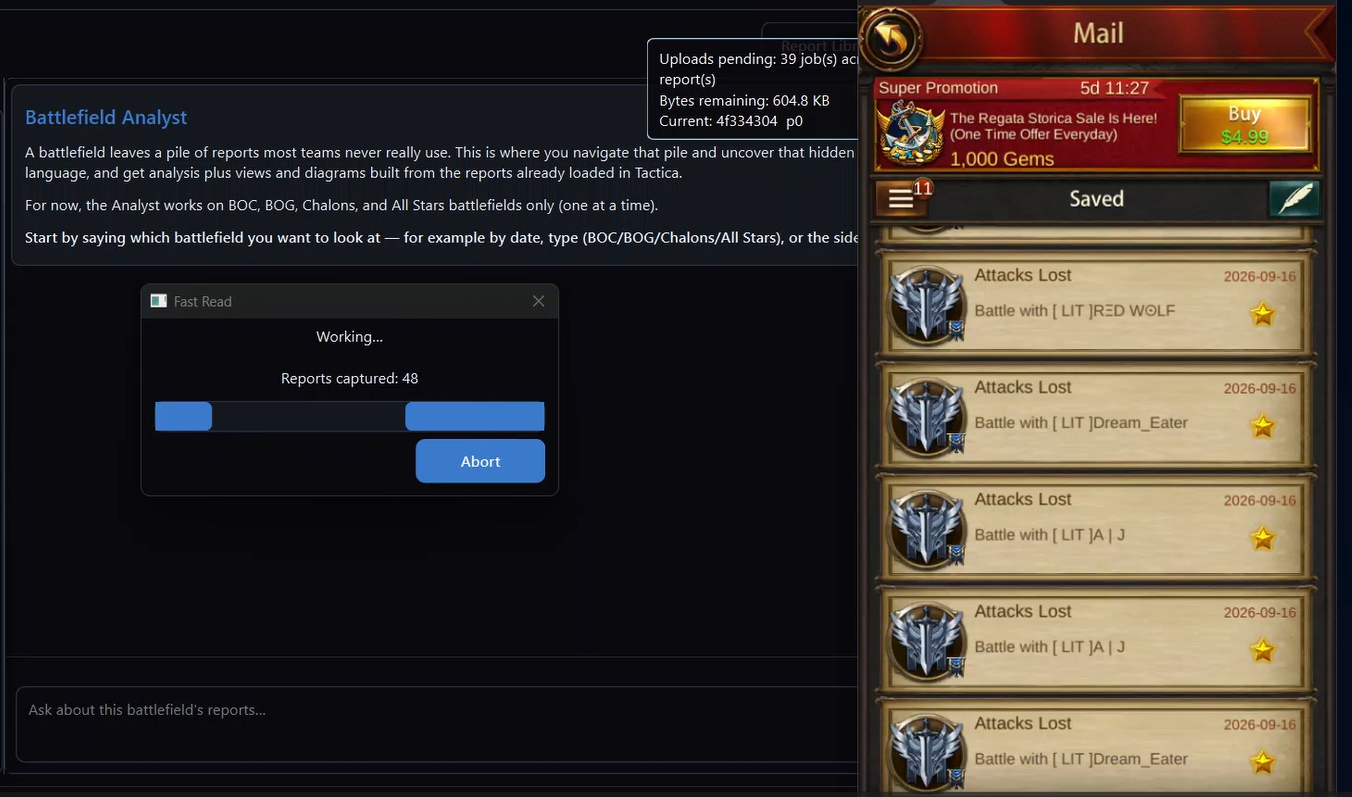
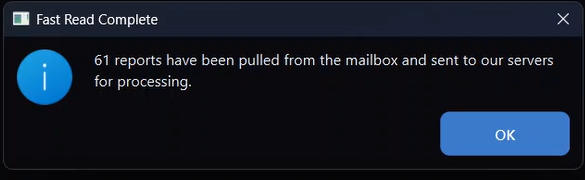
Import a battlefield of favorited reports in minutes on MuMu, then investigate with Battlefield Analyst. See a real-time Fast Read.
Still deciding?
See Fast Read turn a favorited mailbox into a battlefield library — then come back and install when you are ready. The Download button above is the installer. After you install, you create an account, verify your email, choose a plan, and start the trial.
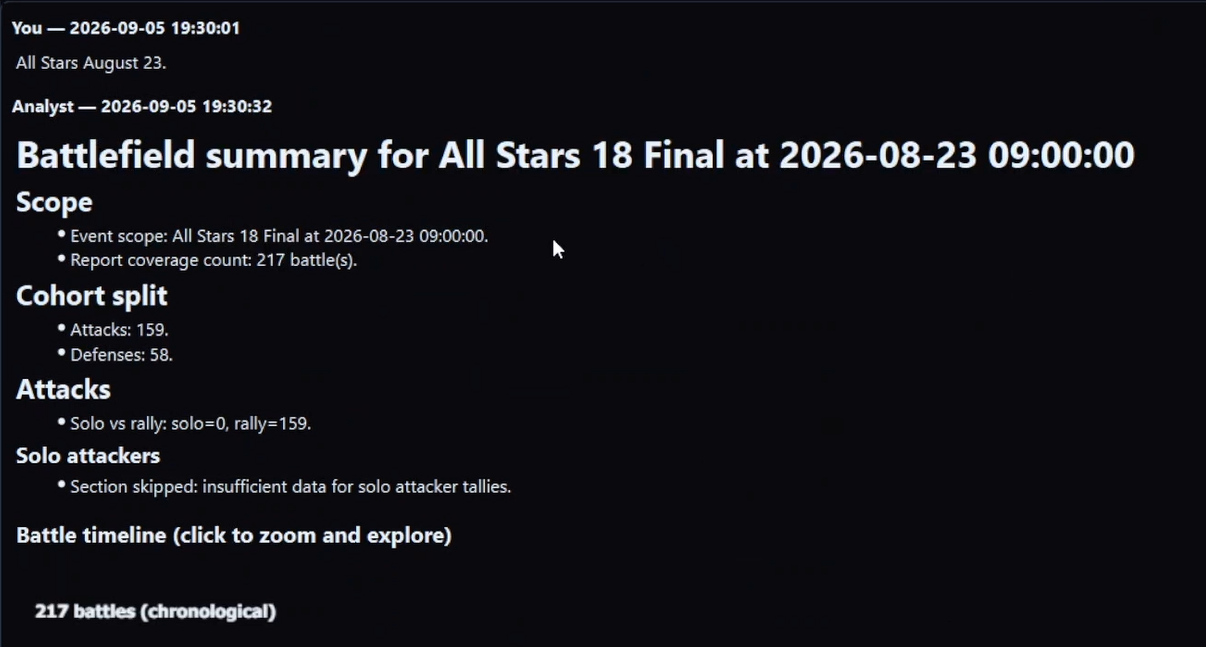
How to analyze a battlefield of reports · Why one report is not enough · FAQ
Plans
Basic is the full Tactica product. It includes access to all features and a monthly AI allocation. Higher plans provide more AI capacity for players and alliances importing and analyzing full battlefields several times a week. Additional AI capacity is also available when needed.
Also available: $2.49/month alliance view-only, or Rally Squad — 10 seats for $17.99/month (about 28% less than ten $2.49 seats). Shared library and notes on reports teammates on full Tactica have captured; bringing new battlefield reports into the alliance still requires a full subscription. View-only and Rally Squad members do not need an emulator.
System Requirements
What's included
Automated import
Read one report or sweep a mailbox on any ADB-compatible emulator. For the faster path, favorite the reports you want and Fast Read imports hundreds of full reports on MuMu in minutes without opening each one.
Analytics & alliance library
Sort, visualize, share, and keep reports indefinitely. Connected alliance members can split scanning; simultaneous bulk reads skip duplicates. View-only members do not need an emulator.
Battlefield Analyst
Ask in plain language over one loaded battlefield — it starts with a summary, then custom analysis. Answers and enriched views in minutes. How it works · FAQ · Battlefield Analyst cookbook
Getting Started
Download & Install
Download the installer and run it to install Tactica on your computer
Create Account
Sign up with your email and verify your account
Start Your Trial
After you verify your email, choose a plan and add a payment method. New customers get a 7-day trial with full feature access. Unless you cancel, the subscription continues when the trial ends.